Back to Skills & Tools Dashboard Builder
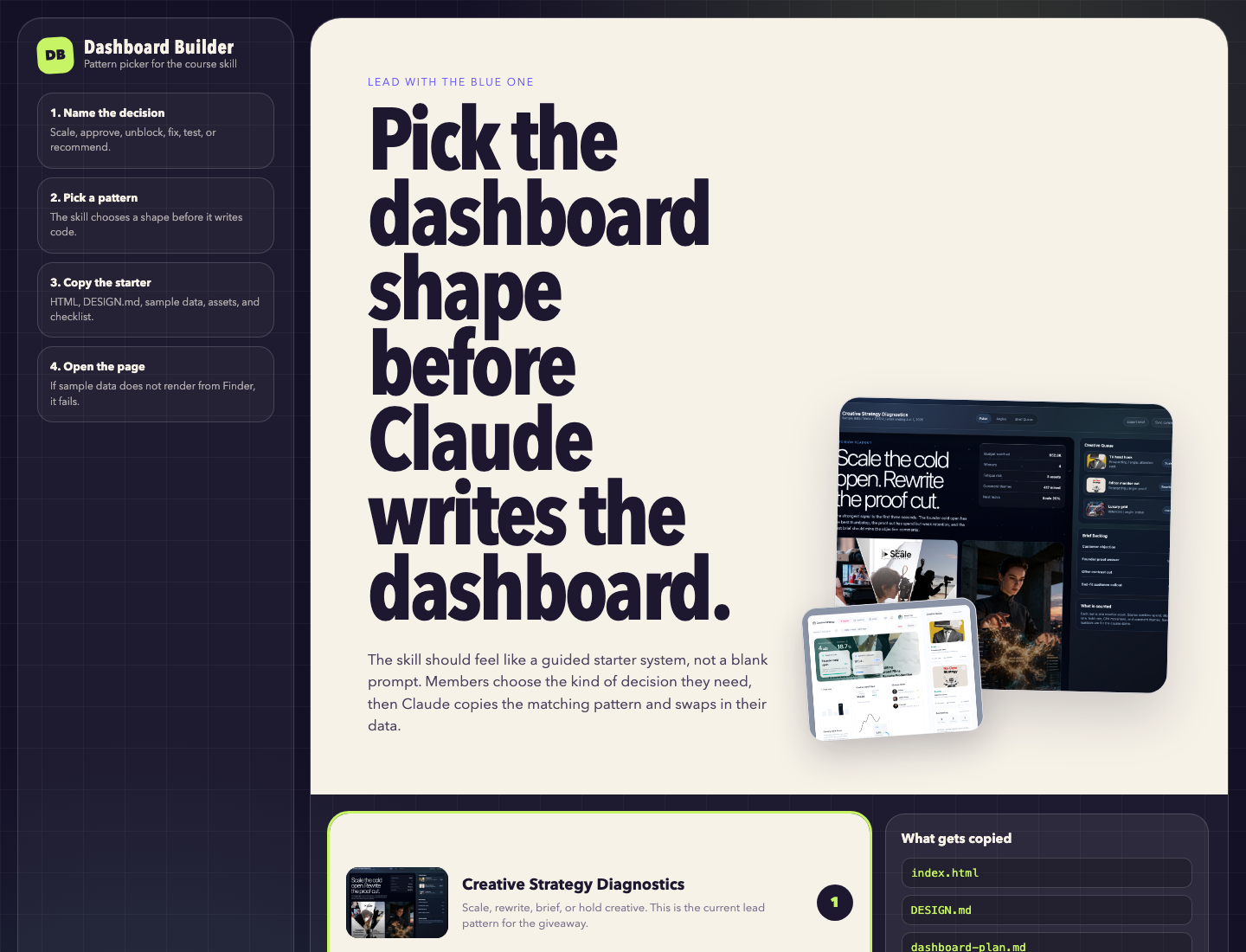
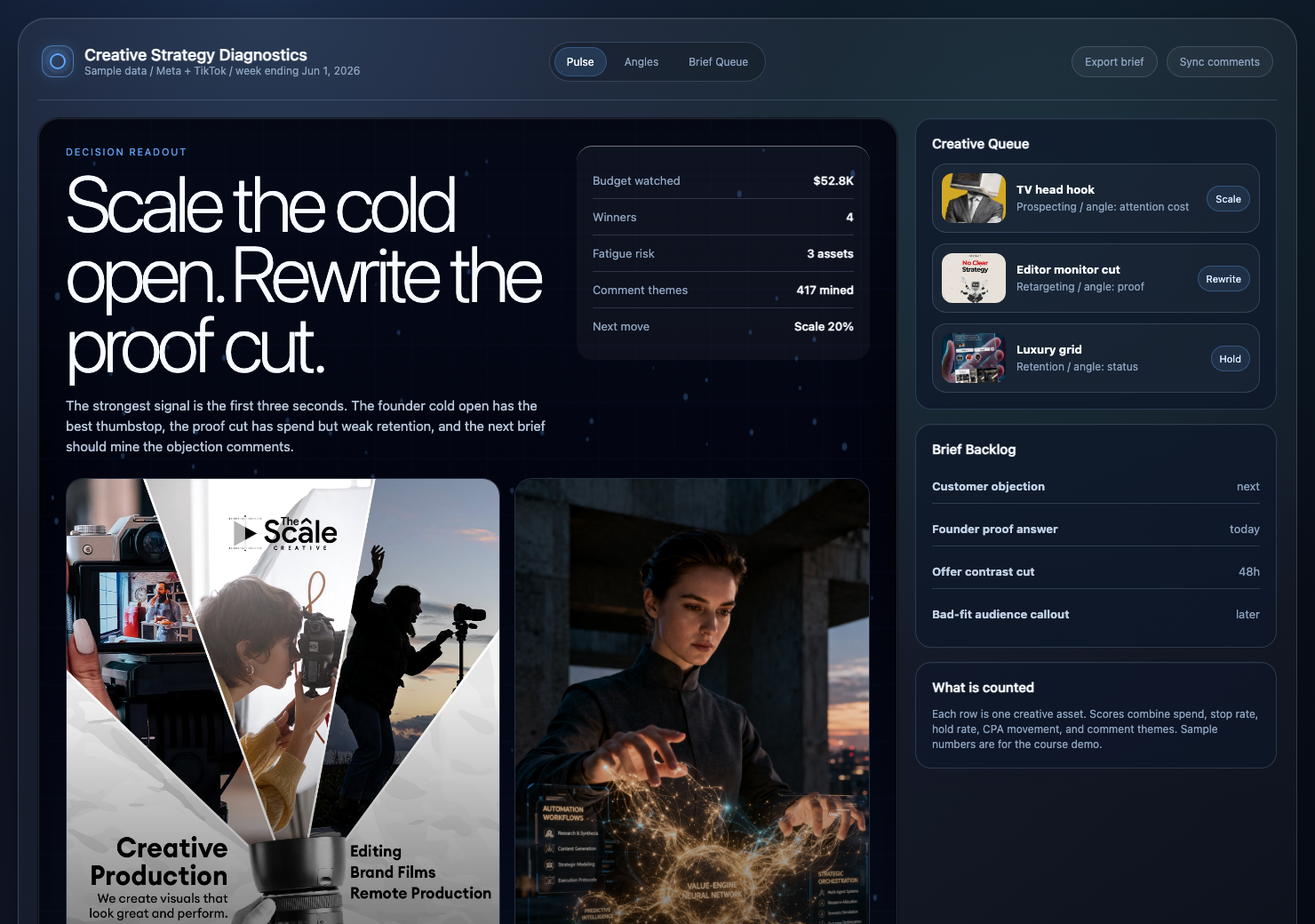
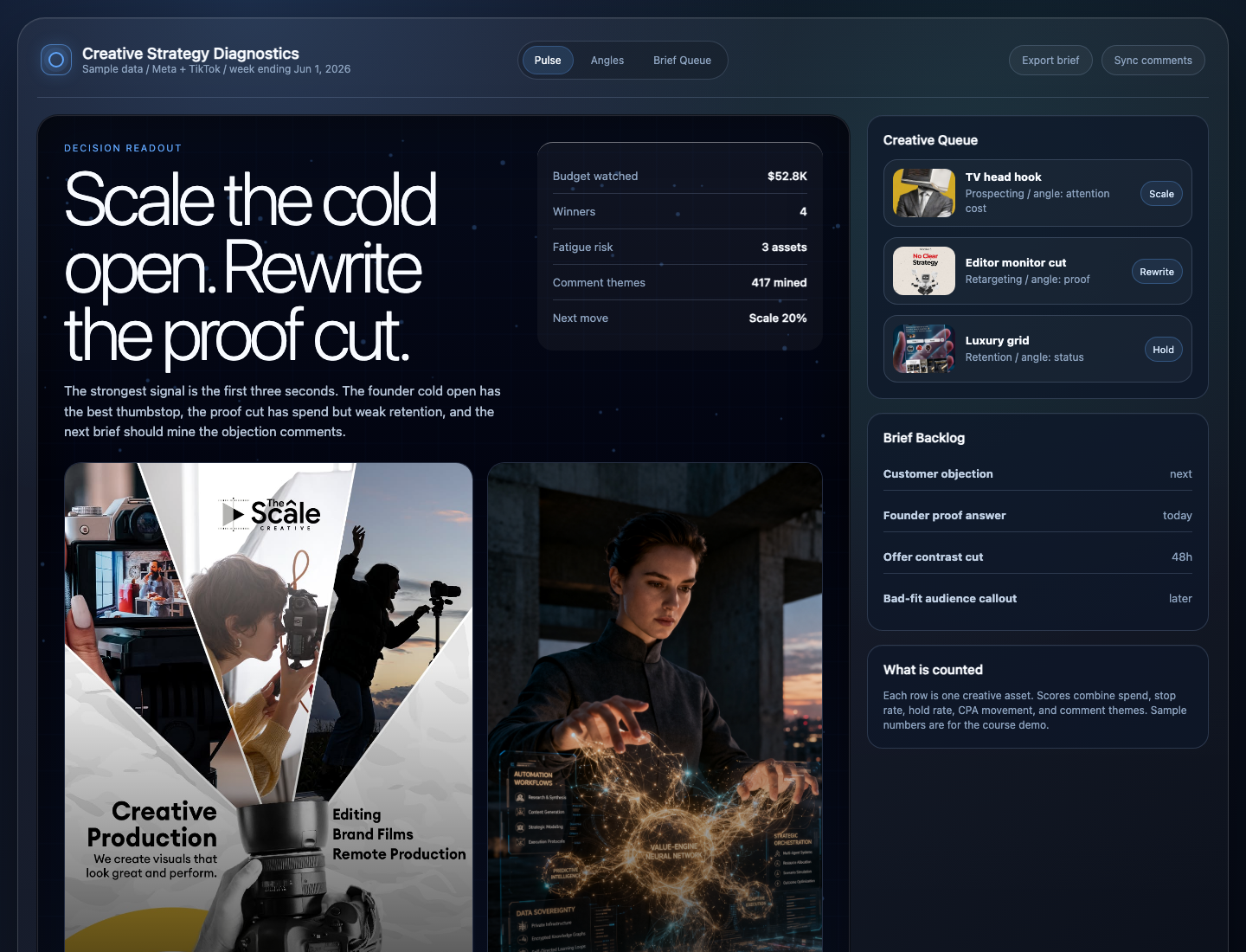
This is the showpiece example for the dashboard skill. It takes the creative strategist question everyone argues about in Slack and turns it into one decision screen.
The dashboard loop
The skill is built for first dashboards, where the data is usually messy and the request is usually vague. It forces the decision into a sentence before design starts.
Who uses it, and what should they decide after reading it?
What is trusted, what is stale, what is sample, and what is not counted yet?
Choose the screen shape based on the job, not based on a pretty layout.
Make the smallest working screen with sample data that renders when opened.
Replace sample rows and prop images with the actual rows, screenshots, or deliverables.
Use a pass or fail checklist before trusting the dashboard.
Dashboard lanes
A review queue, a revenue screen, and an evidence board should not share the same layout. The skill chooses a lane so the page matches the job.
Shows promised deliverables, status, proof links, blockers, and the next review action.
Compares creative performance, confidence, spend, and the artifact that caused the result.
Surfaces movement, bottlenecks, the likely driver, and the first action worth taking.
Maps owners, dependencies, readiness, and the one thing preventing the next step.
Tracks funnel steps, user behavior, drop-off, and where a product change should focus.
Shows sources, confidence, contradictions, and the recommendation the evidence supports.
Use the dashboard-setup skill. I want a weekly dashboard that helps me decide whether to approve a client's work for the week.
I trust my project tracker and the review links.
I do not trust unconfirmed chat updates yet.
One row is one promised deliverable.
What to notice
That is the teaching point. A dashboard can look expensive and still mislead the person using it. The trust layer comes first.
Once the Script, memory map, and skills are in place, dashboard building becomes a normal use case instead of a separate trick.