
Search and source discovery
Use Exa when Claude needs to find the right sources.
Ask Exa for current sources, docs, companies, people, competitors, papers, code examples, or pages worth reading. Exa answers the question: where should Claude look?
Included in your vault download
Start with the workspace skills. They make the loop work: set up the folder, tune the Script after Obsidian works, check what Claude can see, save one lesson, promote what matters, and hand off before the thread gets stale.
Then add tools only when the work needs them. Exa and Firecrawl are optional research MCPs. The real skill files live in .claude/skills/. Obsidian gives you the readable map at skills/Skills.md.
The model
Each skill has a short description and a longer instruction file. Claude reads the description first. The full instructions load when the task matches, or when you call the command by name.
skills/Skills.md to see the skill list and one note per command..claude/skills/. Obsidian hides dot folders by default./reflect, /see-your-setup, or any command name.Research tools
Both are optional MCP tools. Claude can keep them installed and call them only when the task needs web research, scraping, crawling, or extraction. Both have generous free tiers. For the install videos, have students create API keys first, then keep those keys off camera.
Demo video
Use this before the replay or while following along. The demo shows where to get each API key, how to add the MCP connection, and how to run the first test prompt for each tool.
Search and source discovery
Ask Exa for current sources, docs, companies, people, competitors, papers, code examples, or pages worth reading. Exa answers the question: where should Claude look?
Scrape, crawl, map, extract
Give Firecrawl a URL, a domain, or a small site. It can scrape clean Markdown, map available pages, crawl a site, or extract structured data. Firecrawl answers the question: what is actually on this source?
Put keys in Claude Desktop's connector field, Claude Desktop's private MCP config, or a user-scoped Claude Code MCP command. Do not paste keys into the course workspace, public chats, screenshots, GitHub, or a screen recording. If a key appears on video, rotate it before sharing the replay.
Claude Desktop local config paths:
~/Library/Application Support/Claude/claude_desktop_config.json
%APPDATA%\Claude\claude_desktop_config.json
Video 1
Use Exa to find three current sources on MCP connectors.If the built-in connector is not available, add Exa to Claude Desktop's private config file and fully restart Claude Desktop.
{
"mcpServers": {
"exa": {
"command": "npx",
"args": ["-y", "exa-mcp-server"],
"env": {
"EXA_API_KEY": "YOUR_EXA_API_KEY"
}
}
}
}
claude mcp add --transport http exa https://mcp.exa.ai/mcp
Local npx fallback if the client needs a key-backed server:
claude mcp add exa -s user --env EXA_API_KEY=<your-key> -- npx -y exa-mcp-server
Video 2
npx config and store the key as FIRECRAWL_API_KEY.Use Firecrawl to scrape https://firecrawl.dev and summarize the page.{
"mcpServers": {
"firecrawl": {
"url": "https://mcp.firecrawl.dev/v2/mcp",
"headers": {
"Authorization": "Bearer YOUR_FIRECRAWL_API_KEY"
}
}
}
}
Local npx fallback for Claude Desktop:
{
"mcpServers": {
"firecrawl": {
"command": "npx",
"args": ["-y", "firecrawl-mcp"],
"env": {
"FIRECRAWL_API_KEY": "YOUR_FIRECRAWL_API_KEY"
}
}
}
}
claude mcp add --transport http firecrawl https://mcp.firecrawl.dev/<your-key>/v2/mcp
Local npx fallback:
claude mcp add firecrawl -s user --env FIRECRAWL_API_KEY=<your-key> -- npx -y firecrawl-mcp
| Tool | Use it when | First test prompt |
|---|---|---|
| Exa | You need fresh sources, examples, docs, companies, people, or pages worth reading. | Use Exa to find current sources on [topic]. |
| Firecrawl | You already have a URL or domain and need clean page content, a crawl, a map, or structured extraction. | Use Firecrawl to scrape [URL] and return clean Markdown. |
| Together | Exa finds the candidate sources. Firecrawl reads the best ones cleanly. | Find five sources with Exa, then scrape the best two with Firecrawl. |
Start here
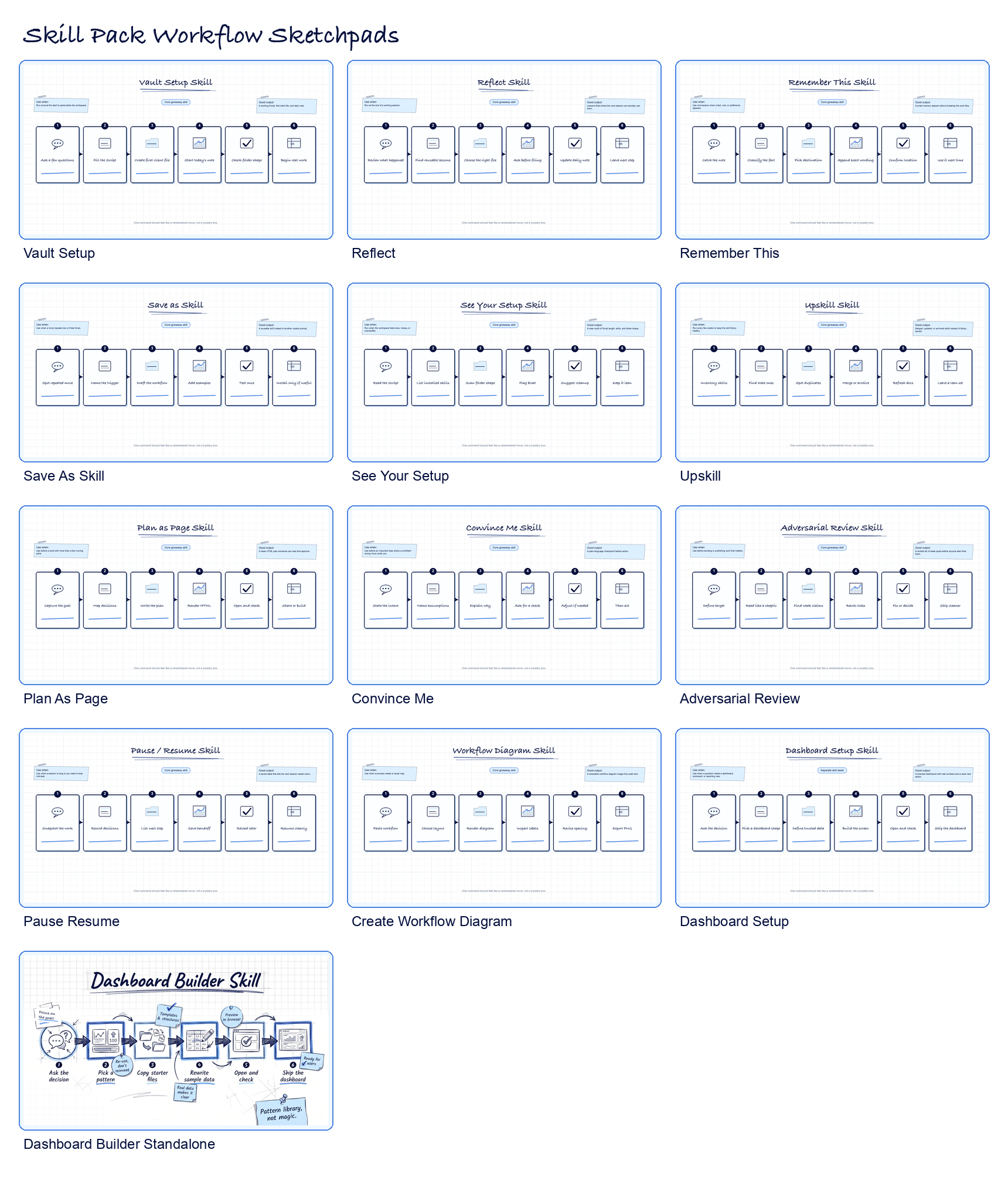
These are the commands that make the downloaded vault usable: setup, visibility, memory, and clean handoff.
Use these on Day 1. They make the workspace usable before it gets clever.
/vault-setupInterviews you, updates the Script, creates the first client file, starts today's note, and points to the skill map.
/advanced-script-interviewRuns a deeper interview, then proposes CLAUDE.md and support-file changes before editing anything.
/see-your-setupLists installed skills, checks the Script, checks links, and shows whether the folder is getting messy.
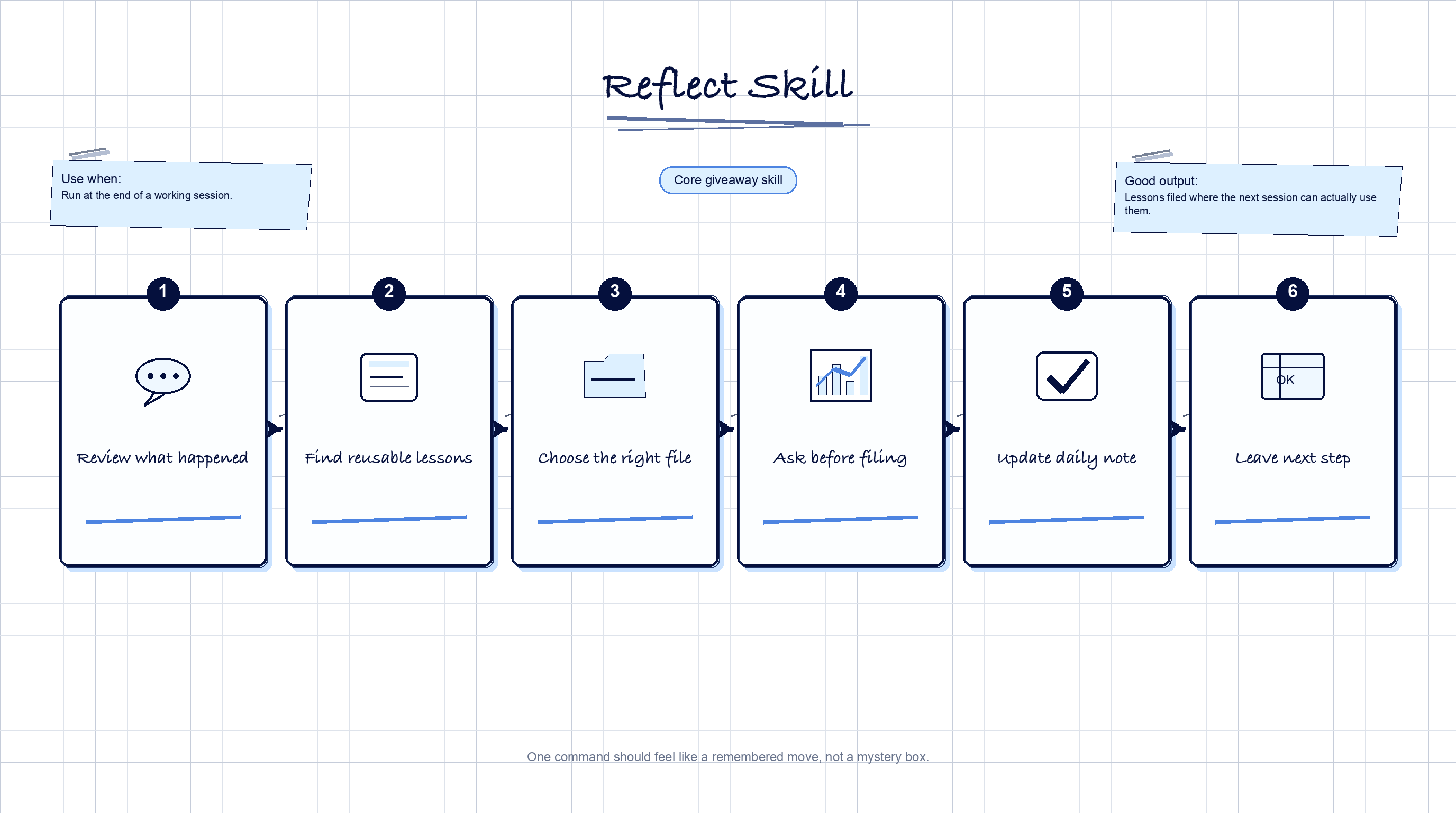
/reflectEnds a working session by deciding what should become memory and where it should live.
/remember-thisFiles one rule, fact, or preference while the work is still moving.
/handoffWrites the current state, changed files, open loops, exact next step, and resume prompt before sleep, compaction, or switching sessions.
Review and build
Plans, reviews, diagrams, and reusable workflows need sharper instructions than a blank chat box gives you.
Use these before Claude makes a big move, ships a recommendation, or explains a process to someone else.
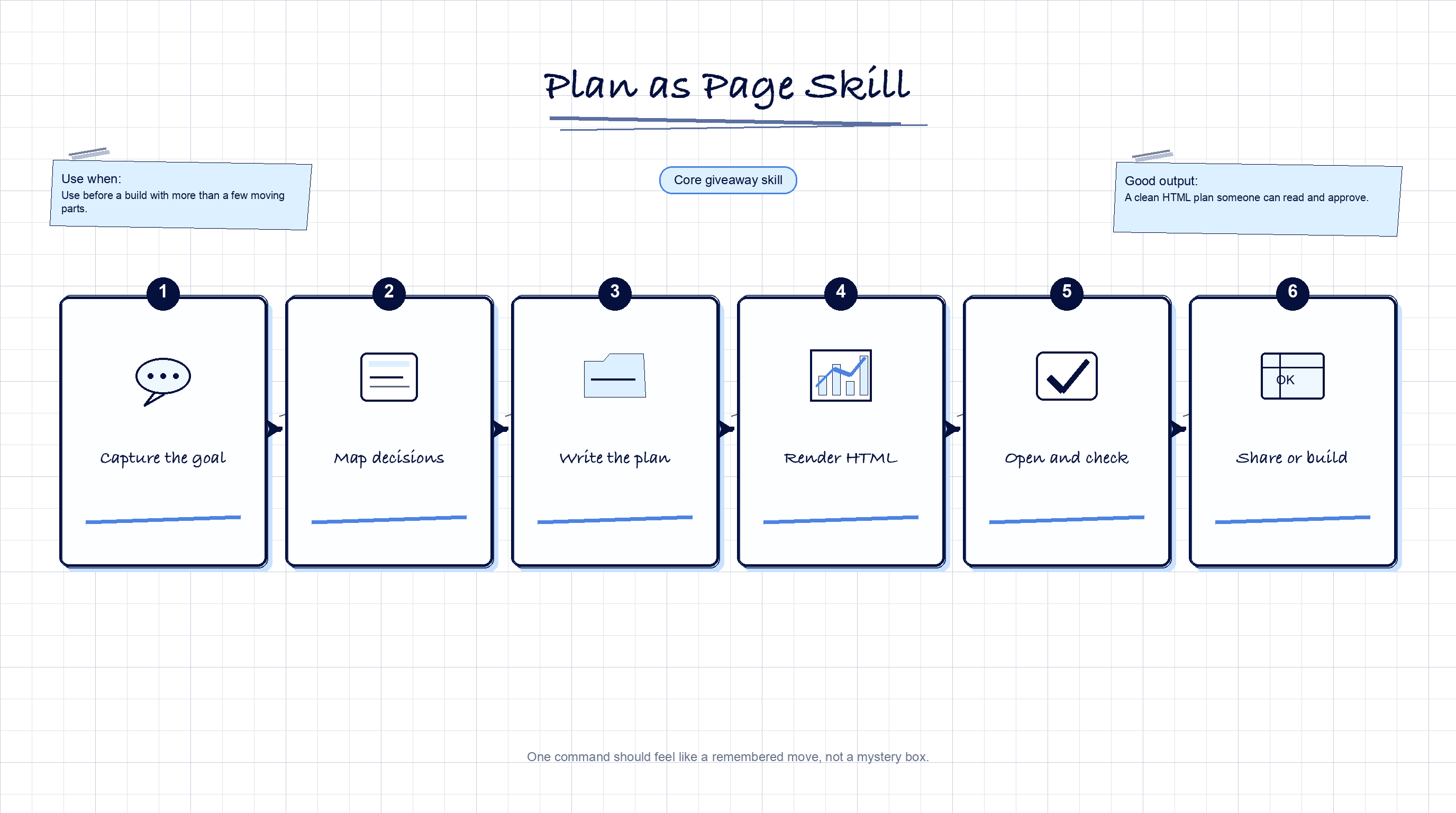
/plan-as-pageCreates a readable HTML plan with the goal, steps, decisions, reasons, and done state.
/adversarial-reviewReviews the work as a skeptic: weak claims, thin proof, unclear logic, and places a client would push back.
/convince-meForces Claude to explain what it is about to do and why before an expensive wrong turn.
/security-checkReviews installs, GitHub backups, bypass permissions, public sharing, client files, and destructive commands before Claude acts.
/create-workflow-diagramTurns a plain-text process into a diagram image for docs, teaching, or client explanation.
Use these when a move repeats enough times that it deserves a place in the system.
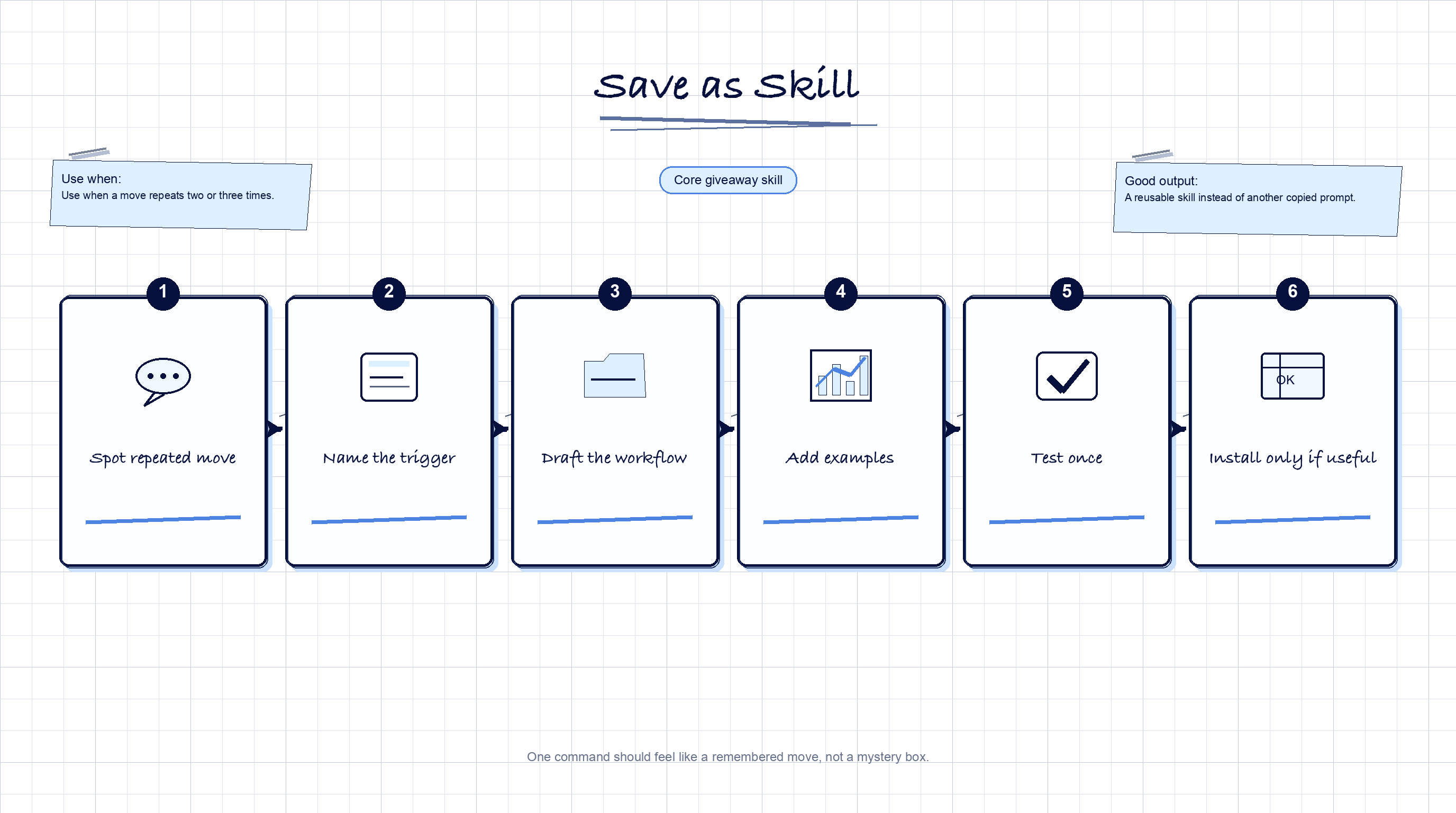
/save-as-skillCreates a new skill after a workflow repeats enough times to deserve one.
/upskillAudits stale, duplicate, or bloated skills and proposes a smaller sharper set.
/dashboard-setupCreates a dashboard from one decision, trusted data, a plan, a working page, and a final check.
Anthropic Add-Ons
These come from Anthropic's public skills repo. They are optional downloads, separate from the core workspace, so the Day 1 setup stays lean.
.claude/skills/.Use these for Website Day, App Day, and building new course skills. Source is preserved with license files inside each download.
/frontend-designAnthropic's frontend skill for distinctive pages, apps, dashboards, components, and HTML/CSS layouts.
Source: anthropics/skills
/skill-creatorAnthropic's skill builder for creating, testing, improving, and packaging new skills with support scripts included.
Source: anthropics/skills
The workspace download is the best Day 1 path. It includes the core skills. Exa, Firecrawl, and the Anthropic add-ons are optional until the work calls for them.